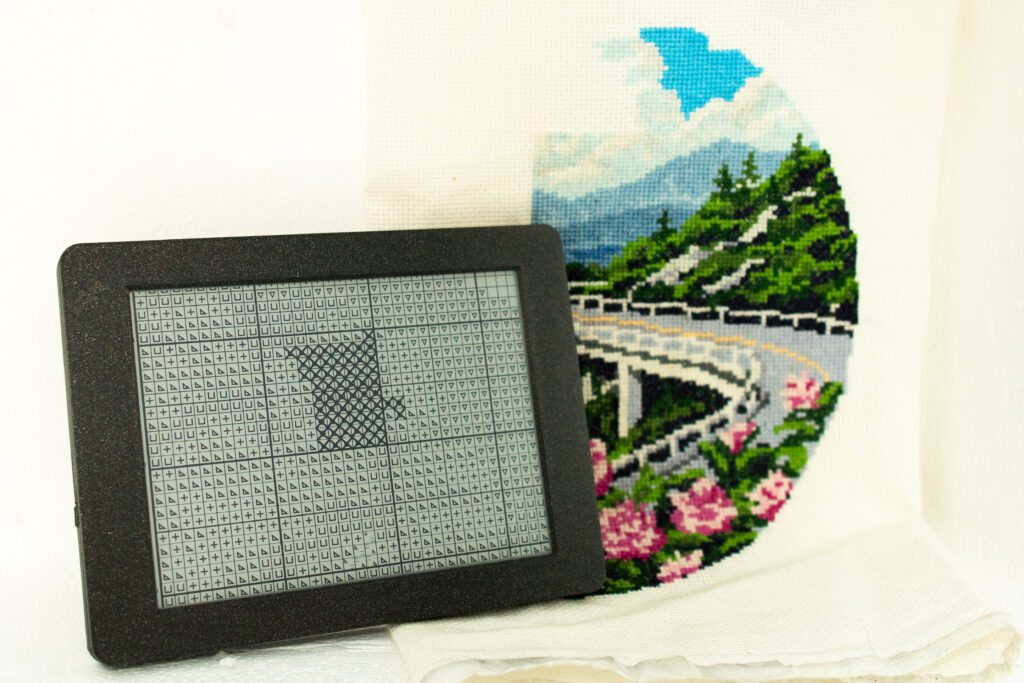
Note: This part is kind of 1/4 technical details and 3/4 short story. If you just want tech details you may want to start on the second post instead!
It was the Fall of 2022. I’d just moved from a tiny team of software developers at a bank to a behemoth tech company. I felt like I’d made it, and that’s precisely why I felt incredibly overwhelmed.
When I was at the old “boring” bank job, I lamented my project’s lack of impact. Now an expansive codebase where a single component of an internal tool eclipsed the size of my bank team’s entire system lay before me.
And this expansive codebase with all its twists, turns and eccentricities accumulated from years of rapid scaling and last-minute strategy shifts, powered a service used by millions of people.
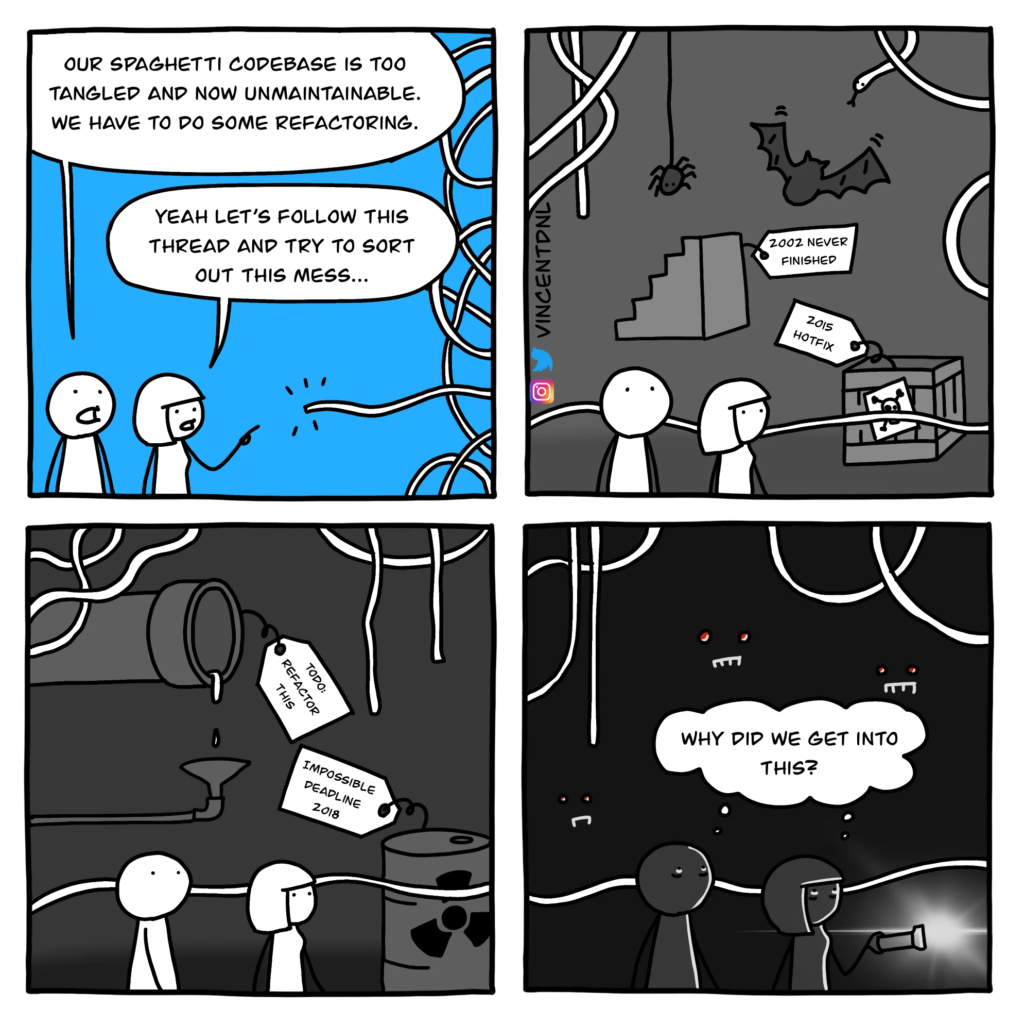
For those first few months, I wanted nothing to do with technology when I got home. I needed a hobby that didn’t involve screen time. Thanks to some long-forgotten embroidery floss from making friendship bracelets in college, I landed on cross stitching.
It was incredibly relaxing, but marking off my progress quickly became tedious. When I first started, I made tons of mistakes. I worked relative to other stitches, so a single misplaced stitch could quickly snowball into an entire misplaced section.
I was left holding my tattered and marked-up pattern up to the light, struggling to untangle errant stitches from valid progress.
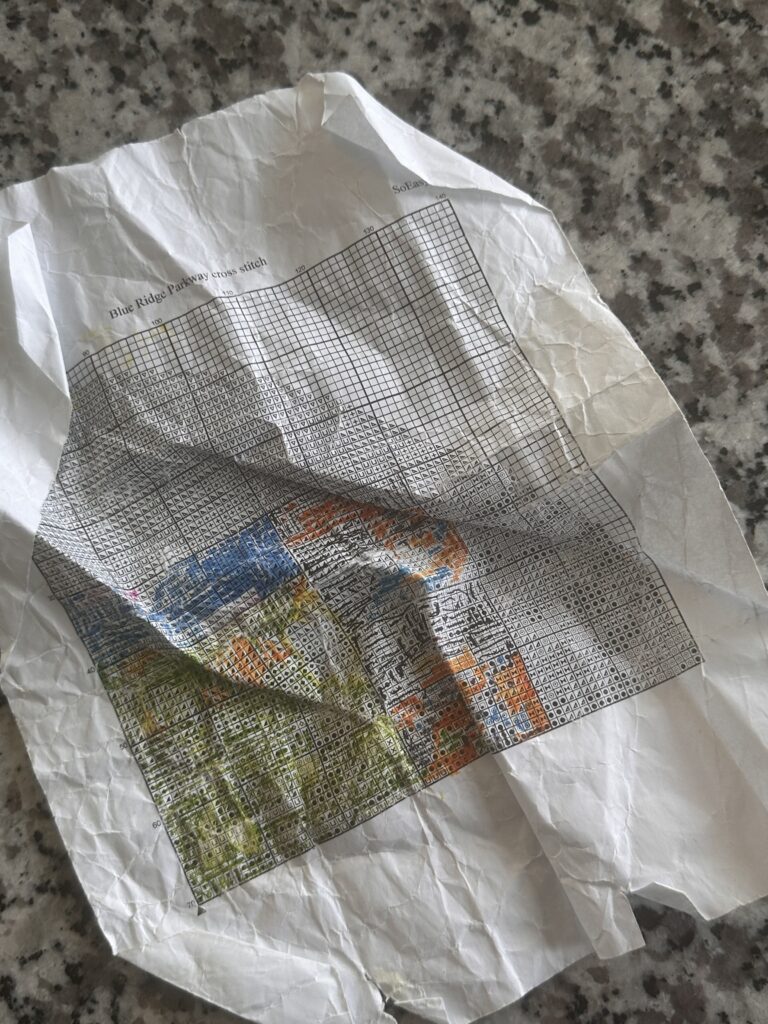
Exhibit A: This poor pattern had seen better days 🥲
But god, was it satisfying to watch my embroidery take shape from a single stitch to a seemingly random cluster of colors to a fully discernible image.
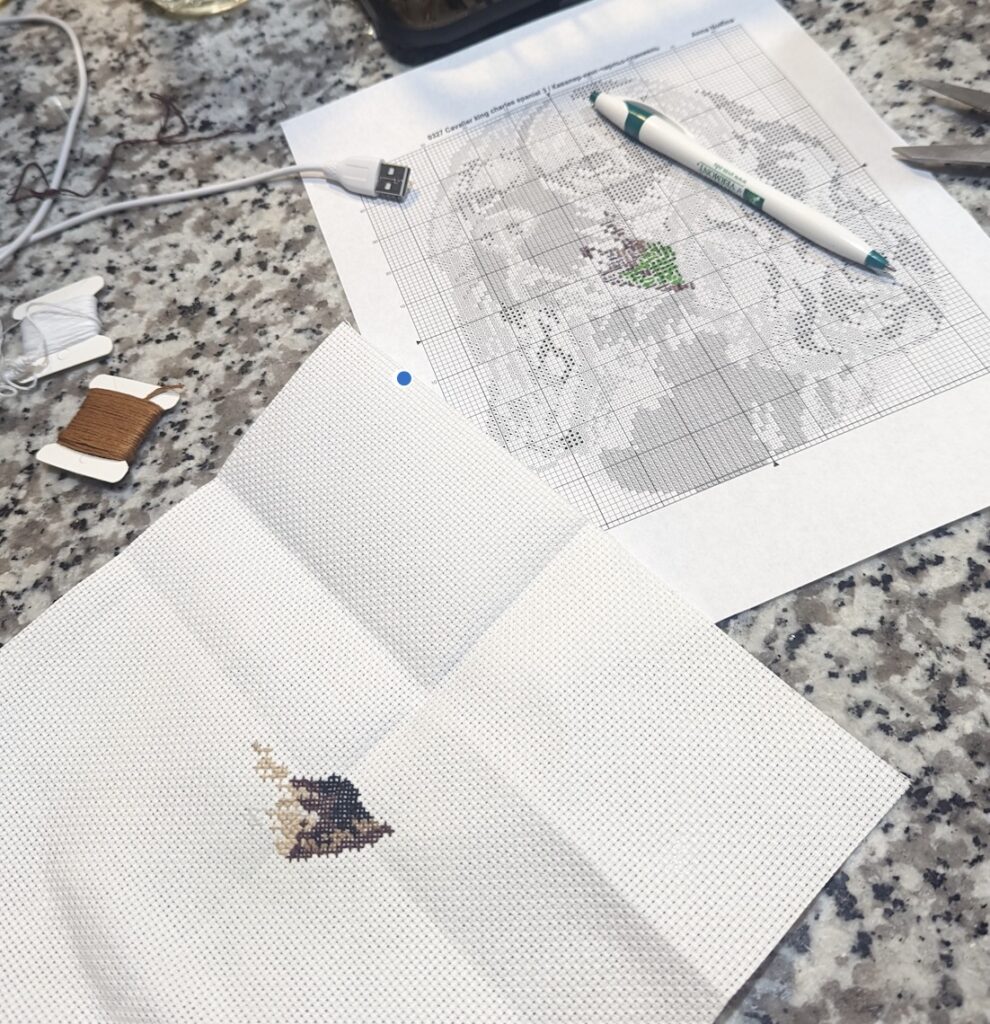
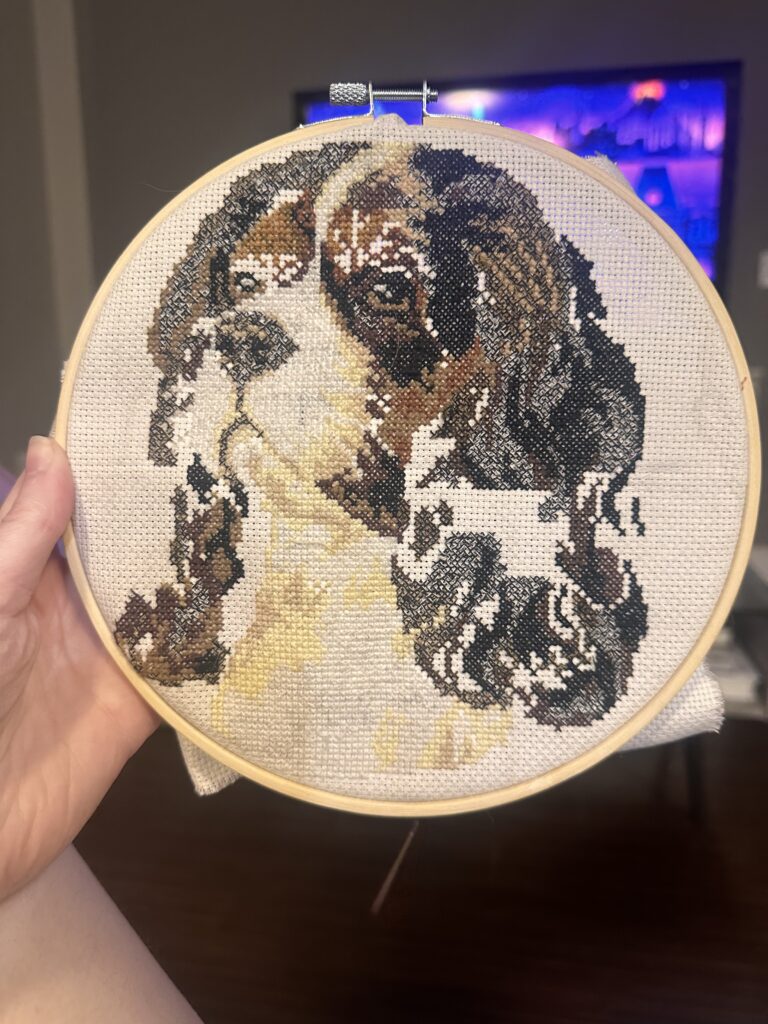
From random blobs of color.. to an actual image!
By the time I started my second cross stitch (one pattern can amount to thousands of stitches!), I started to feel similarly about that once-intimidating codebase. I learned how to write relevant unit and integration tests so that I didn’t waste hours untangling the impact of one errant line of code.
Working outwards from small bits I understood, I pieced together a general understanding of the system. It wasn’t so scary anymore. And I didn’t feel like I needed to escape tech as much. 🙂
So naturally, I began to wonder if programming could make it easier for me to visualize my progress on my embroidery projects and recover from misplaced stitches. I wanted a tool that allowed me to check off which stitches I’d completed.
Technically, I could have just created a simple UI that allowed me to draw on top of the image and cross out completed sections as I did with a physical pattern.
But it seemed like it would be so much more satisfying and easy on the eyes to simply be able to click anywhere on the cell of a completed stitch to uniformly mark it as complete.
And this seemed somewhat realistic: Cross stitch patterns are very uniform – they’re laid out in a grid, with a defined set of symbols representing different colors of thread in the pattern. Simplifying things further, the patterns are typically monochrome. For example, here’s a section of the cross stitch pattern I’ve been working on recently:
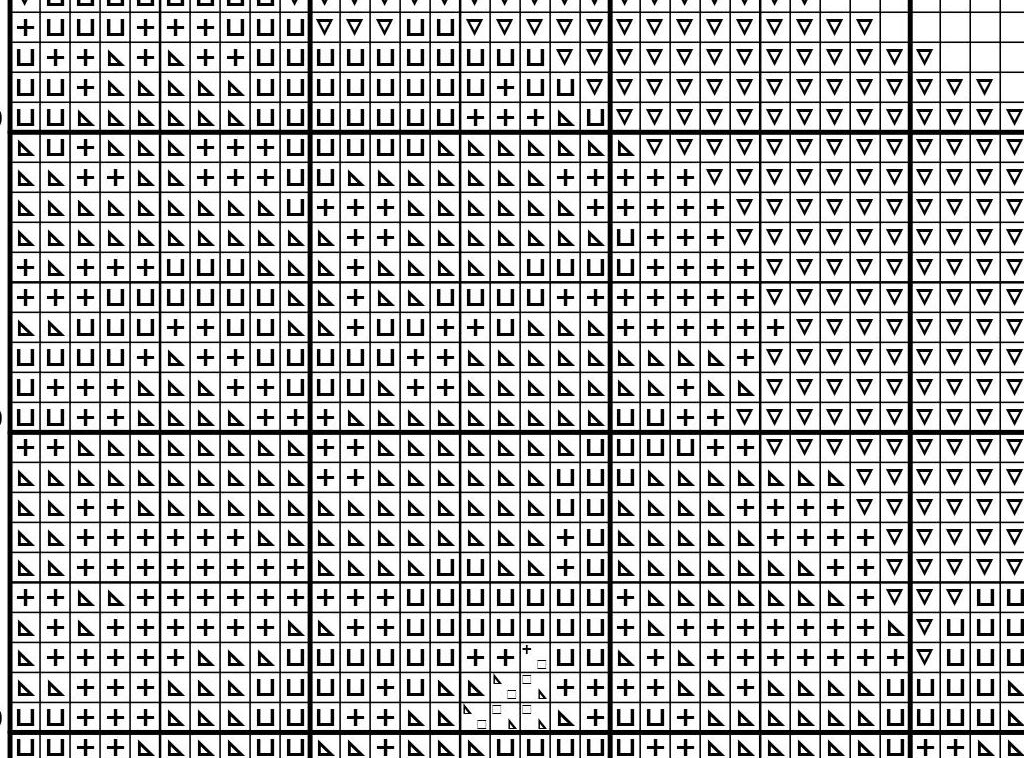
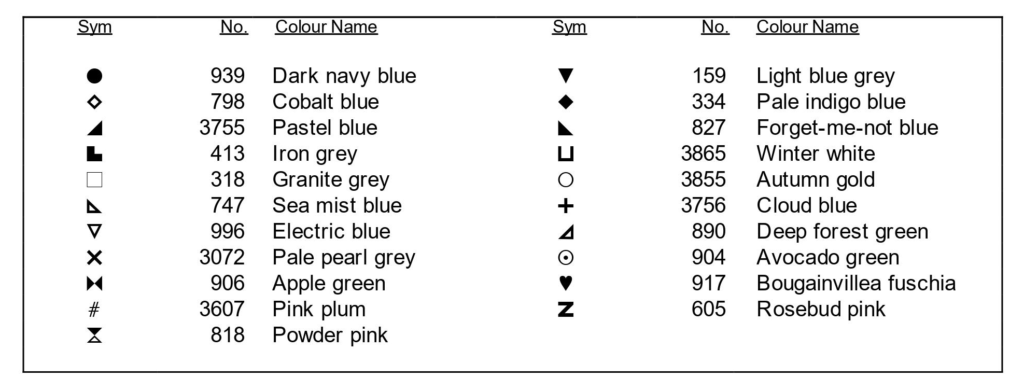
So mainly, I needed a way to detect the coordinates of the grid lines. I grabbed a chilled coffee from the fridge and started digging.
I discovered this post on Stack Overflow, outlining another programmer’s efforts to detect the grids of Sudoku puzzles:
https://stackoverflow.com/questions/48954246/find-sudoku-grid-using-opencv-and-python
I had my starting point! Details about the actual technical implementation in the next post 🙂